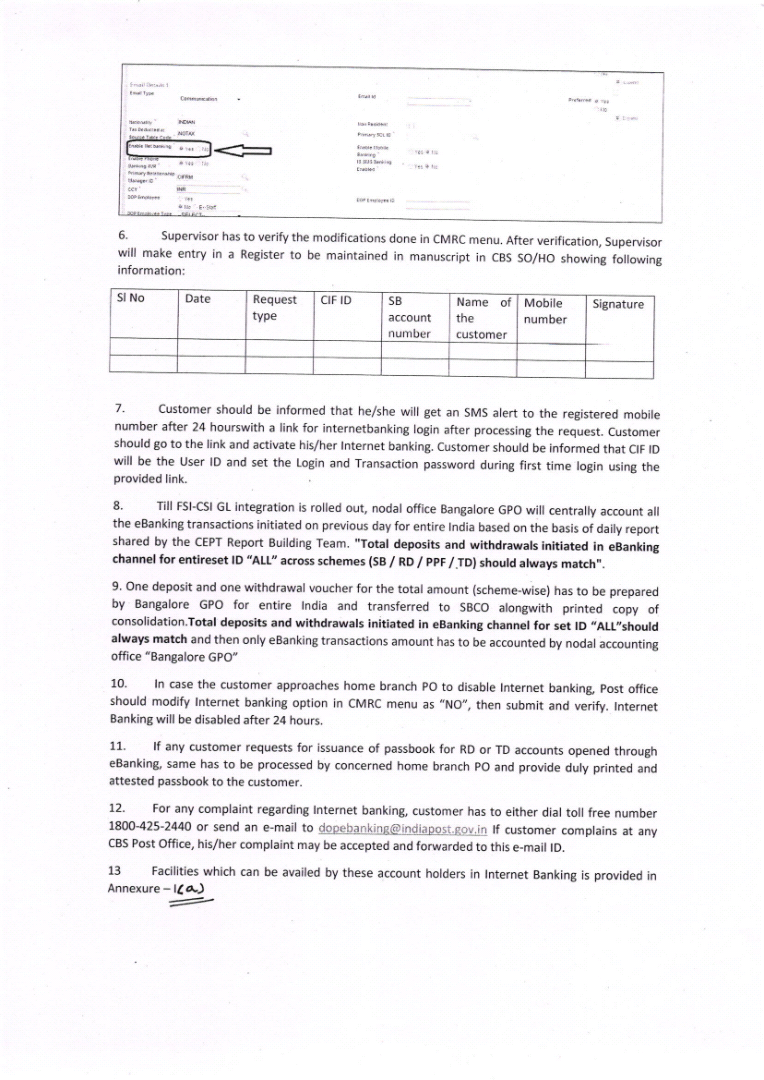
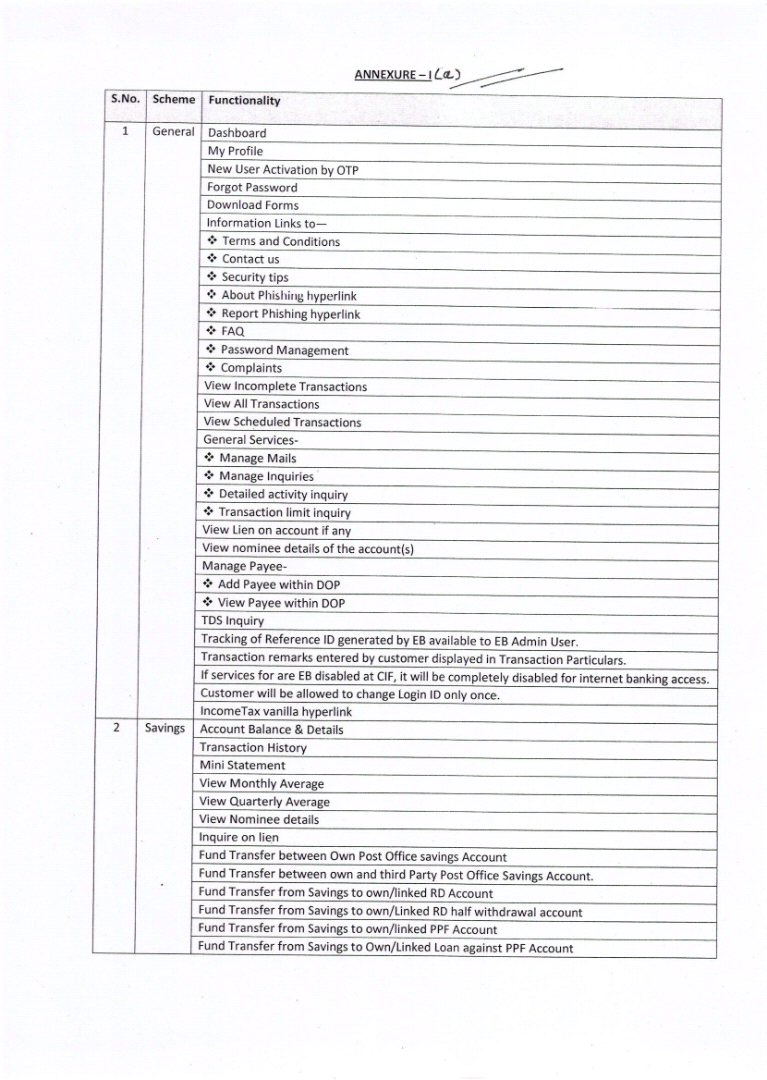
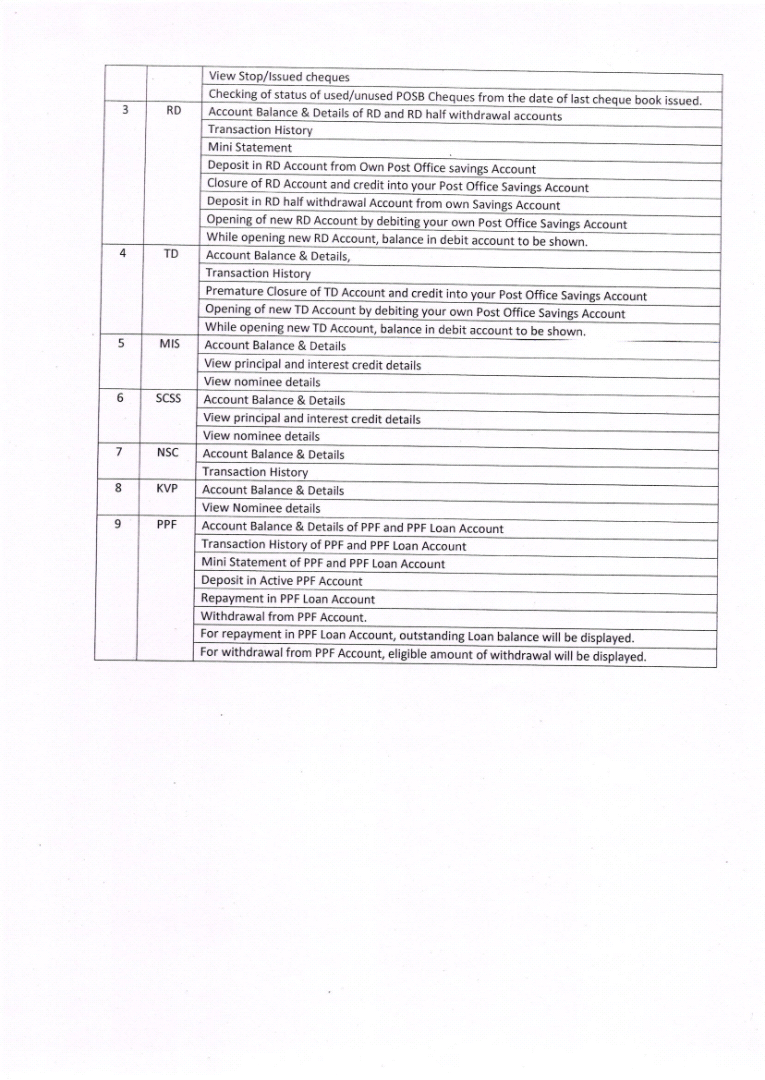
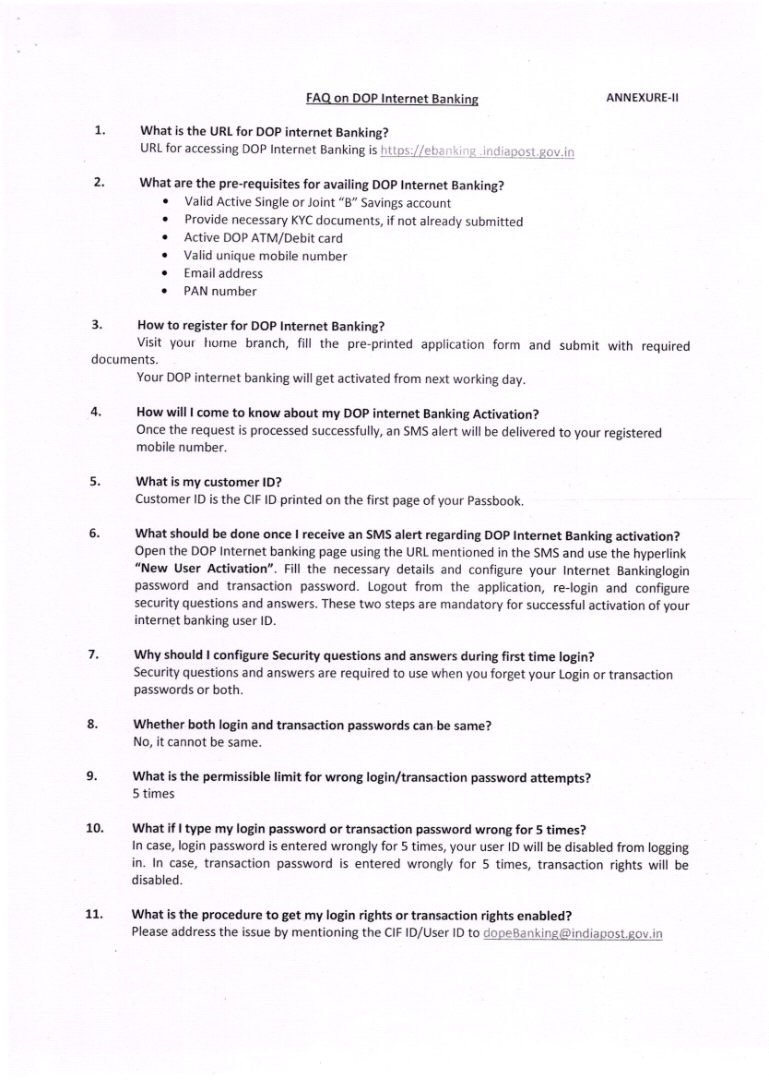
Following facilities are available for DOP e banking portal user:
My Profile:
1. Change ‘Sign-on’ and Transaction Password.
2. Set Preferences.
3. Update channel id.
4. View personnel details.
Accounts:
1. Accounts Summary.
2. Savings accounts details.
3. RD account details.
4. PPF accounts details.
5. TD accounts details.
6. NSC Account details.
7. Loan on RD details.
8. Loan on PPF details.
9. Tax deducted at source details.
Transactions:
1. Manage Payee.
2. Manage Billers.
3. Initiate funds Transfer with in DOP.
4. Funds transfer outside DOP.
5. PPF account withdrawal.
6. View scheduled transactions.
7. Pay PPF Account/Repay Loan on PPF.
8. View recurring instructions.
9. Pay RD account.
10. View All Transactions.
11. Repay Loan on RD.
General Services:
1. Mails.
2. Inquiry Facility.
3. Service Requests.
Visit Official Link for more information





 Postalparivar